deck.gl-raster v0.7

deck.gl-raster enables GPU-accelerated Cloud-Optimized GeoTIFF (COG) and Zarr visualization in deck.gl.
This release includes big performance improvements, tile loading that spirals from the center, fixed tile resolution selection for high pixel density displays, and updated examples.
Performance improvements
Faster GPU updates for pixel filtering
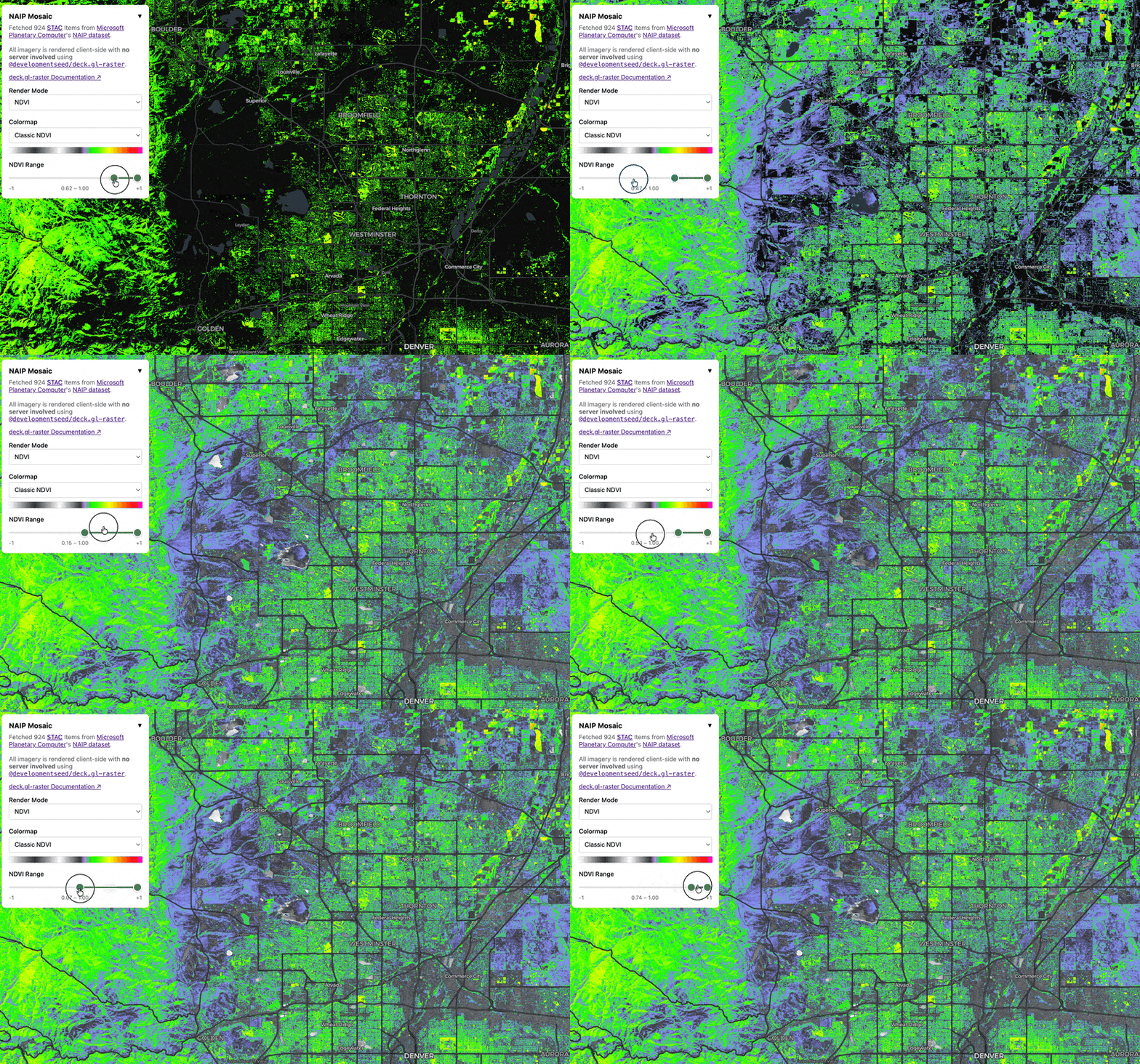
We've significantly improved the performance of GPU updates for things like pixel filtering and rescaling. This screencast compares NDVI range pixel filtering in the NAIP mosaic example:
Before:
After:
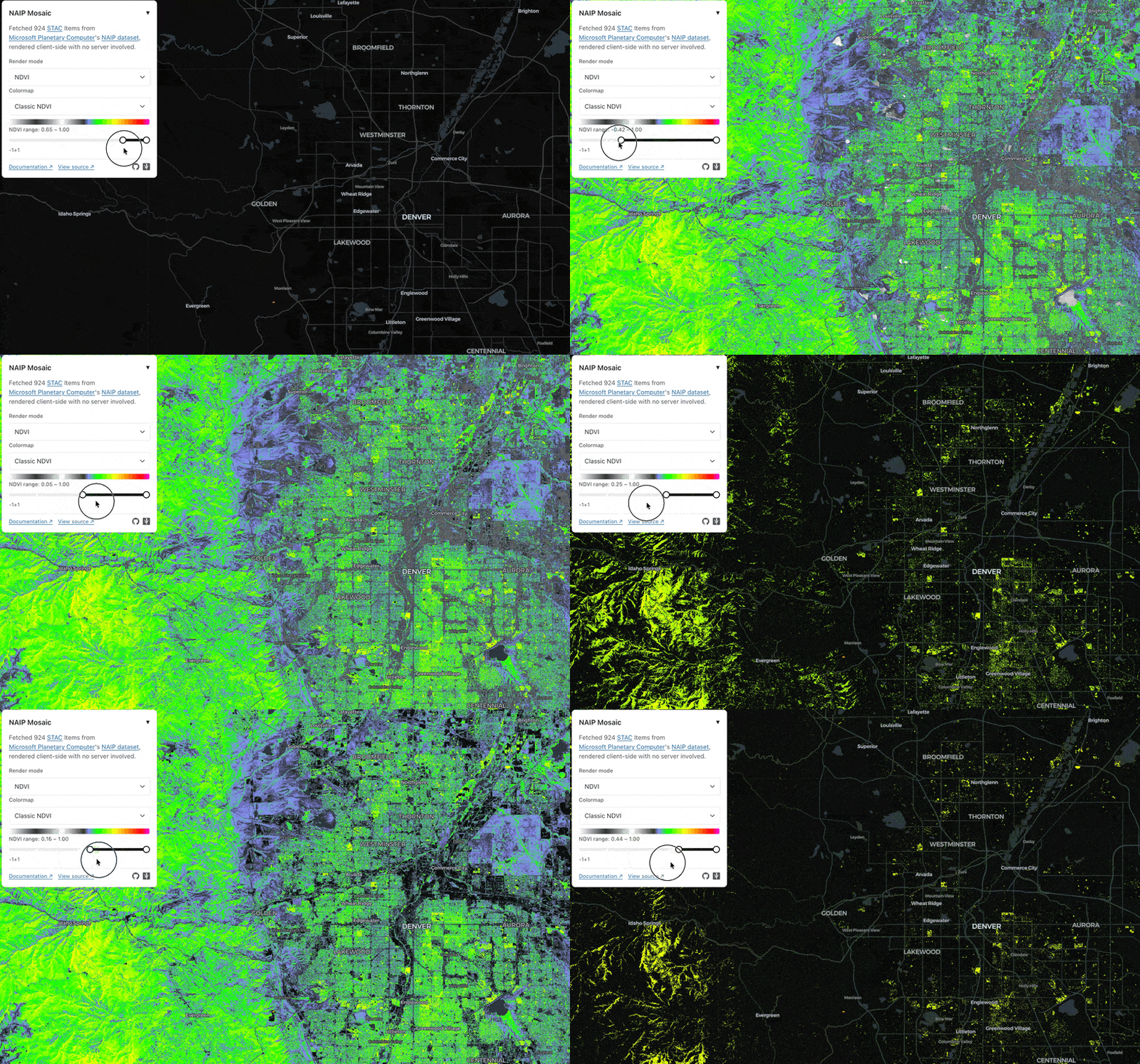
This improved performance applies to both the COGLayer and the ZarrLayer.
See #543 and #540 for more details.
Big latency improvement for large COGs
We've updated our GeoTIFF reader to reduce the number of header requests required to start rendering a COG.
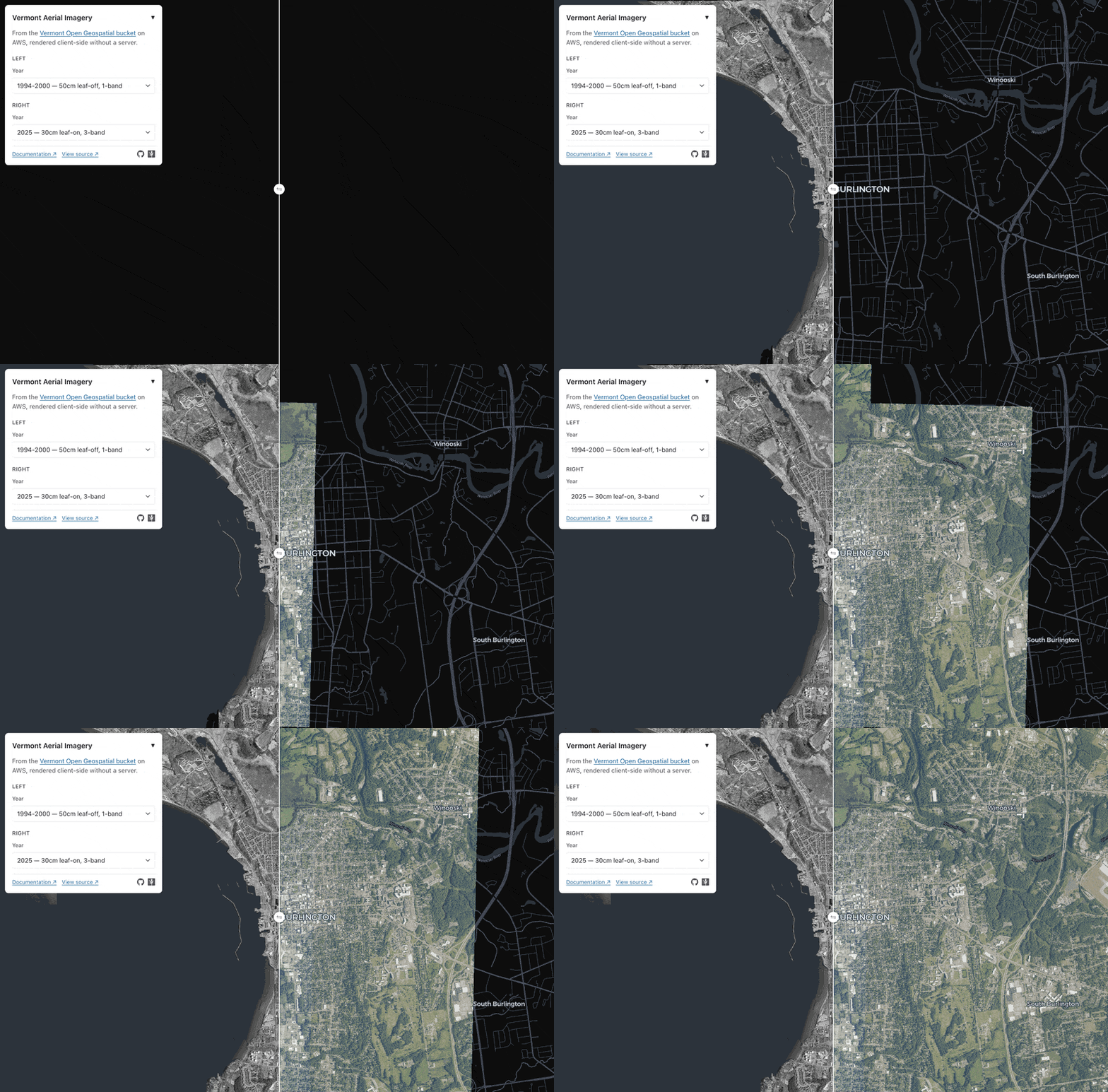
In our Vermont Aerial Imagery example, for a 200 gigabyte COG, we fetch only 256 kilobytes of metadata before starting to load image tiles.
This screencast from that example simulates loading a 200GB COG (on the right) and a 50GB COG (on the left) over a 20MB/s internet connection with caching disabled:
See #529 for more information.
Spiral image loading instead of top-left
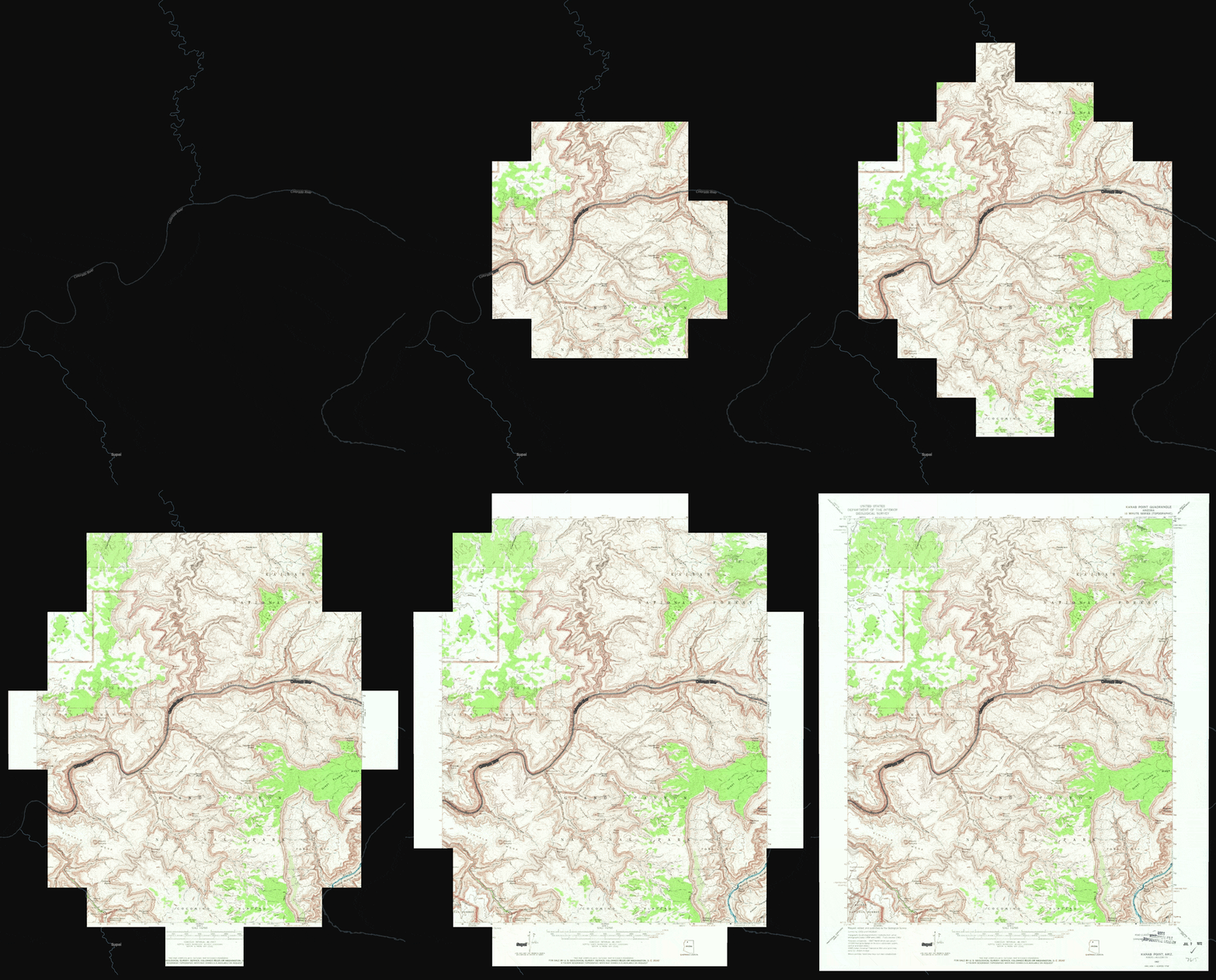
We now load tiles starting from the center of the viewport.
(Tile loading in this screencast was artificially slowed down for effect.)
See #477 for more details.
"Retina" display support
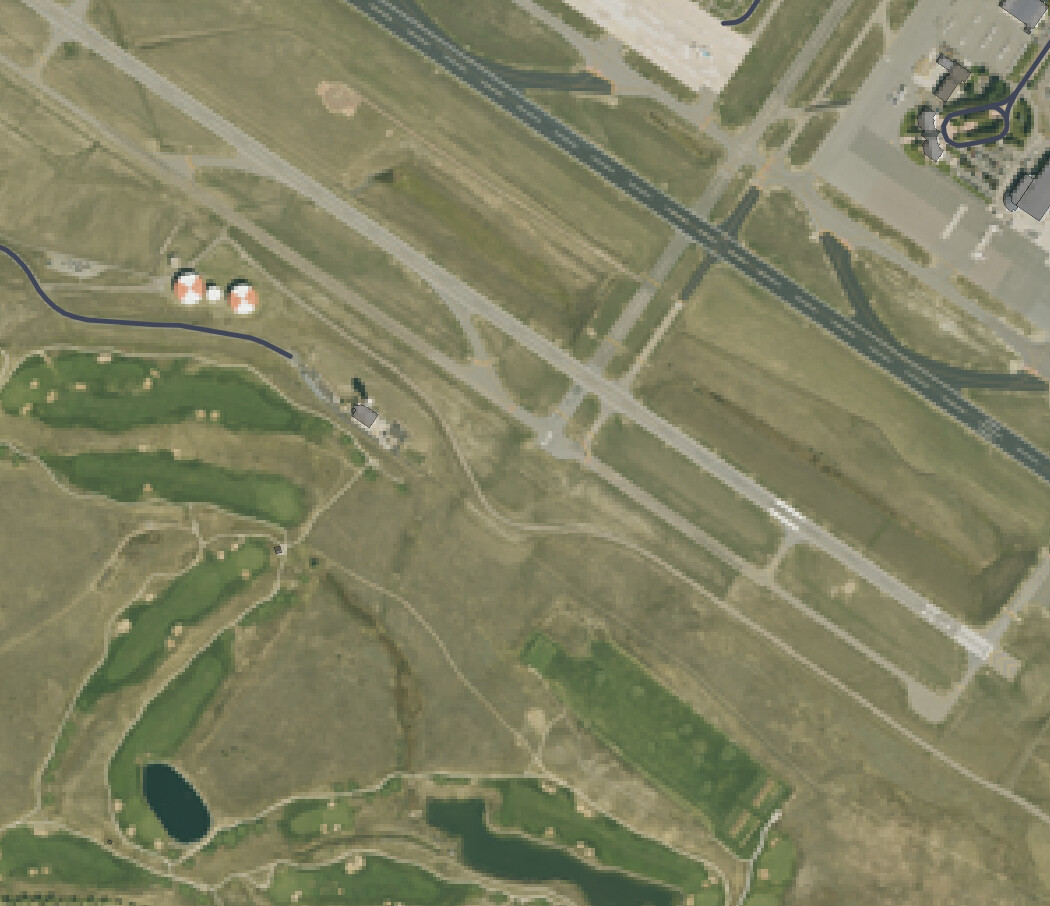
We now ensure that COG overview and Zarr multiscale tile selection matches the pixel density of your display. We now render 4x as many pixels on modern displays like Mac Retina displays.
Here's a comparison from our NAIP example. Notice how much more crisp the image is now.
Before:
After:
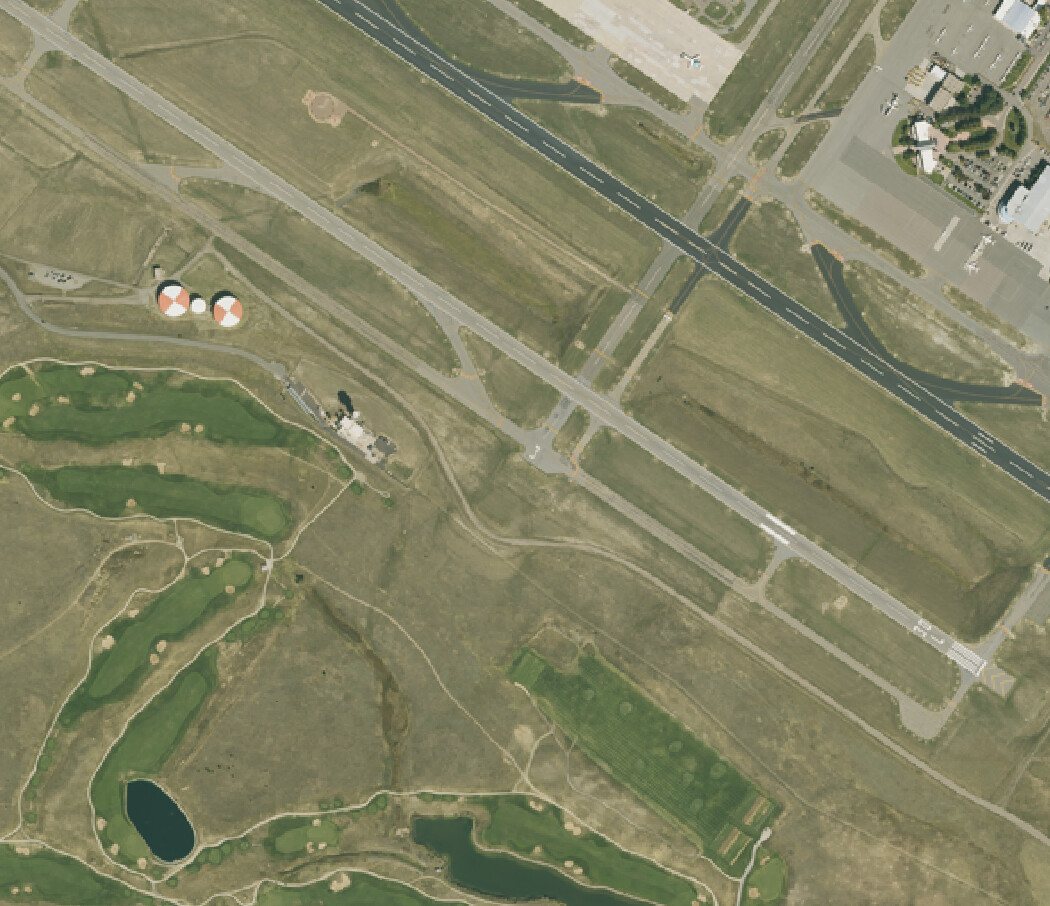
Previously we had been using the number of CSS pixels, which is not the same as the size of the GPU drawing buffer.
This means that for high-resolution screens like Mac Retina displays, 4x more image tiles will now be loaded compared to before. We respect the Deck.useDevicePixels parameter, so you can turn that to false if you want to revert to the old behavior.
See #513 for more details.
Updated Examples
Categorical land cover filtering
We've updated the existing NLCD Land Cover example to filter pixels by their classification. All pixel filtering happens on the fly on the GPU.
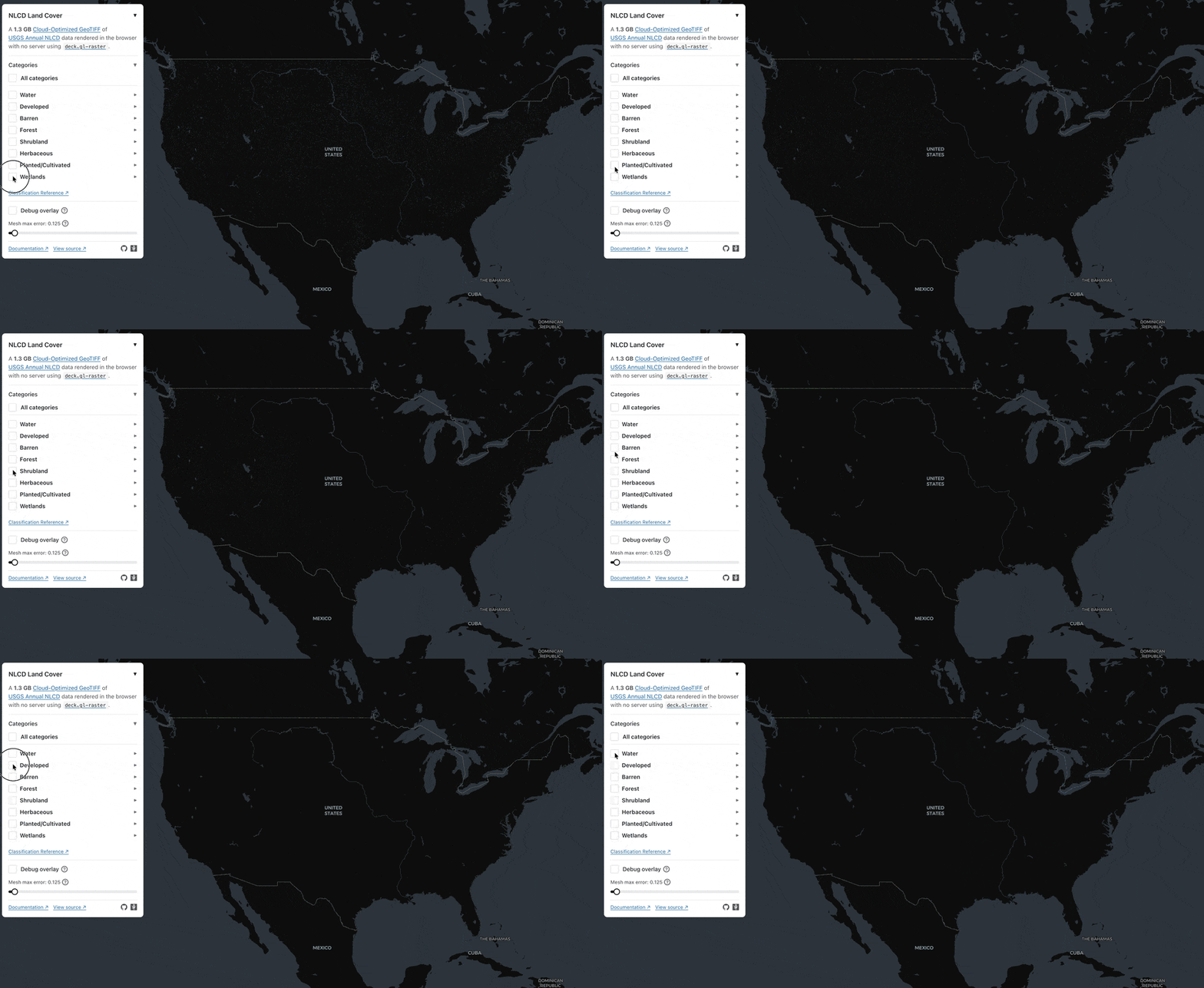
See #506 for more details.
Side-by-side image comparsion
As alluded to in our performance section above, we have a new example that shows one method for "left/right image comparisons" with deck.gl-raster.
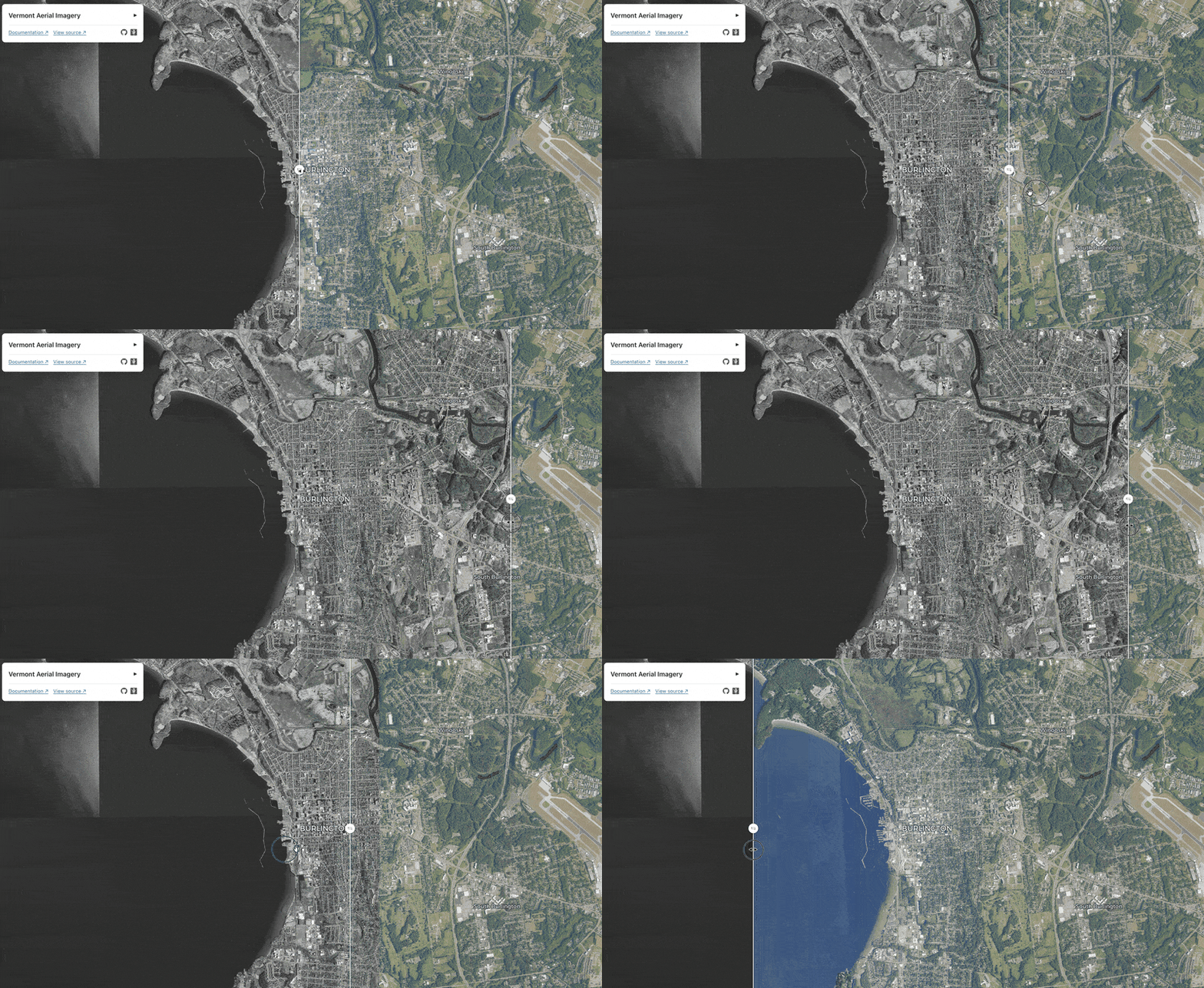
See #502 for more details.
MosaicLayer improvements
The MosaicLayer is a layer designed to help with rendering many COG images on the map. It's used in the NAIP mosaic example to render many COgs in a grid.
Sources prop now reactive to changing input
The MosaicLayer now updates reactively when the sources prop is replaced with a new array reference. This allows you to update the mosaic sources in response to new data or as the user pans around the map.
Caching improvements
If you change the sources prop after layer creation, ensure you set the id attribute on each input source. This ensures cache stability across arbitrary new sources arrays.